Forms & inquiries / Follow the handoff
Contact form says sent, but no email?
A thank-you message is one part of the journey. Find out whether the form service accepted the request, whether a notification was attempted, and where the message should arrive before replacing the form.
Find the missing handoffIllustrative route
Sent is not the same as received.
-
Visitor submitsThe page shows a confirmation.Shown
-
Form service acceptsA stored record, if the tool provides one.Recorded
-
Notification sent?Check the configured sending route.Check
-
Inbox receives?Check receipt, filtering and quarantine.Unknown
Start with the evidence
Which part stopped working?
The same symptom can have different causes. Check one agreed example from the visitor's action to its intended destination. Not every tool exposes a stored record or a delivery log; say what is known and what still needs checking.
01 / The page
Nothing submits.
The button may not submit the form, validation may block it, or a script may fail. A developer can check the browser's request and console evidence. A screen recording helps reproduce the problem, but does not establish its cause.
Next check Can the issue be repeated on the affected page and device?
02 / The service
The request is not accepted.
A request can leave the page and still fail at its destination. Check the response and the form provider's submission records, where available. An error, a missing record and a pending response need different follow-up.
Next check Which system handles the submission, and what did it return?
03 / The notification
The record exists. The email does not.
Check the recipient settings, notification rules, provider logs and the receiving mailbox, including spam or quarantine. A recorded request narrows the investigation; it does not prove the notification was sent or delivered.
Next check Who owns notification sending and who owns the mailbox?
One form / Several systems
A finished screen is not a tested handoff.
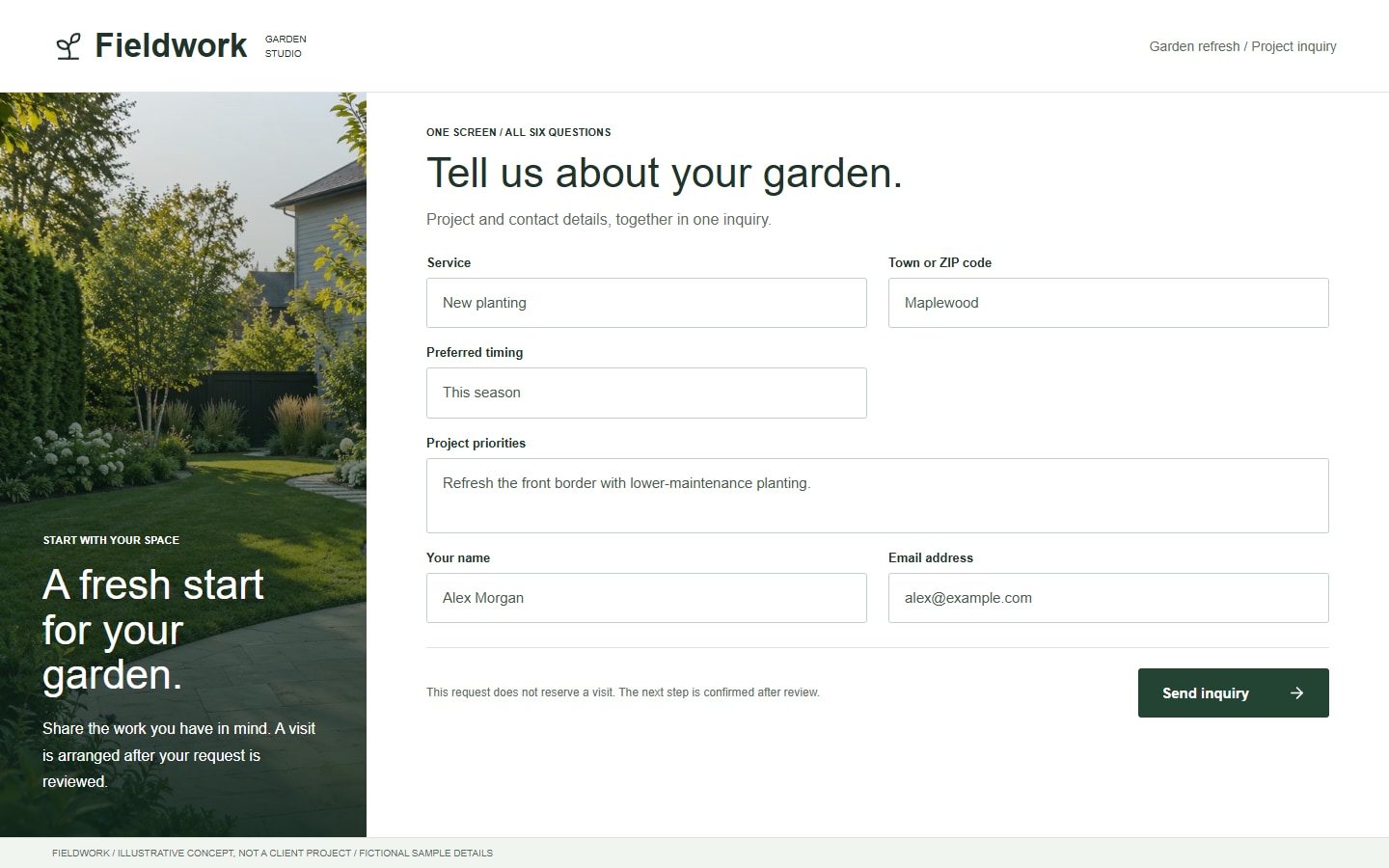
Imagine this inquiry shows a success message but the business receives no notification. The next useful evidence is not another screenshot of the form. It is the matching submission record, request response or provider log, if available.
Match an agreed test by its time and reference, where supported. Keep personal field contents out of screenshots, analytics and public bug reports. A local demonstration can explain the route without sending a real customer inquiry.
Choosing the layout is a separate decision. Our single-step vs multi-step comparison uses this same fictional request to compare grouping, not email performance.
Follow the actual destination
Check who processes the form.
A website's appearance does not tell you where its form sends data. It might use a platform's built-in handling, a third-party tool or a custom endpoint. Confirm the active route before changing email settings.
Hosted form handling
Webflow recommends checking whether a submission appears in its form records before investigating notification email. A custom form action sends submissions elsewhere, so Webflow is not the processor or notification sender for that route. Use the current Webflow troubleshooting guide when its built-in handling is actually in use.
Custom or connected handling
Identify the endpoint, sending provider and recipient owner. Check the evidence each system exposes; do not assume that a successful response means an inbox received the message. A page exported from a builder also needs a working processing route in its hosting setup.
There is no universal SMTP or DNS fix for every form. A recipient typo, a disabled notification and a failed endpoint are different issues. Review relevant provider settings with authorized access; do not switch platforms or remove spam protection simply to try something.
After a change
Verify the result, not just the message.
Agree a safe test with the site owner: fictional details, a known recipient, the affected device and a clear expected result. Check acceptance, any stored record, notification status and final receipt as separate observations. Avoid repeated clicks when a request's outcome is uncertain; first check whether it was already received.
Use provider test modes or a local fixture where appropriate. Do not create unexpected bookings, purchases or customer records. A change that repairs one path should also be checked against the other forms or integrations it affects.
Keep feedback accurate and accessible. W3C recommends concise, understandable success and error notifications. Tell the visitor what actually happened and how to recover, rather than displaying success before the agreed processing step has completed. See W3C's form feedback guidance.
Assign someone to repeat the agreed checks after relevant site or provider changes. The maintenance guide separates ongoing responsibilities from hosting and larger development work.
Before rebuilding the form
Form delivery questions
Does a thank-you page prove the email arrived?
No. It shows the page reached that state. Check the processing route, notification evidence and receiving mailbox separately. Some implementations show confirmation before the backend has accepted the request.
Should I submit again if nothing arrives?
Check the existing request first where possible. It may already be stored or received even if the notification is delayed or missing. Repeated submissions can create duplicates; an uncertain outcome needs investigation before another attempt.
Do I need a new website to fix the form?
Not necessarily. The problem may be in the page, form service, notification settings or mailbox. We review the route and available access before quoting a focused fix or recommending wider work.
Show us where the inquiry stops.
Share the public page, platform, what you expected and what happened instead. Leave out passwords and customer details. We will review whether a focused fix is practical and quote the agreed work.
Sources and example scope
Webflow and W3C guidance checked October 24, 2026. The route diagram and Fieldwork screen are illustrative, not delivery logs, client results or evidence of recovered inquiries. No live form was submitted for this guide.
For broader changes, compare a focused fix with a website redesign. Form delivery, inquiry layout and booking confirmation are separate decisions.