Shopify ordering / Save, share and return
Saved cart vs saved product configuration
Holding size quantities is different from reopening artwork and placement. Compare what survives, then decide what your save-and-return journey needs.
Fictional worked example
What gets saved?
Local demonstration only. No Shopify connection, upload, payment or production approval. Garment image is AI-generated.
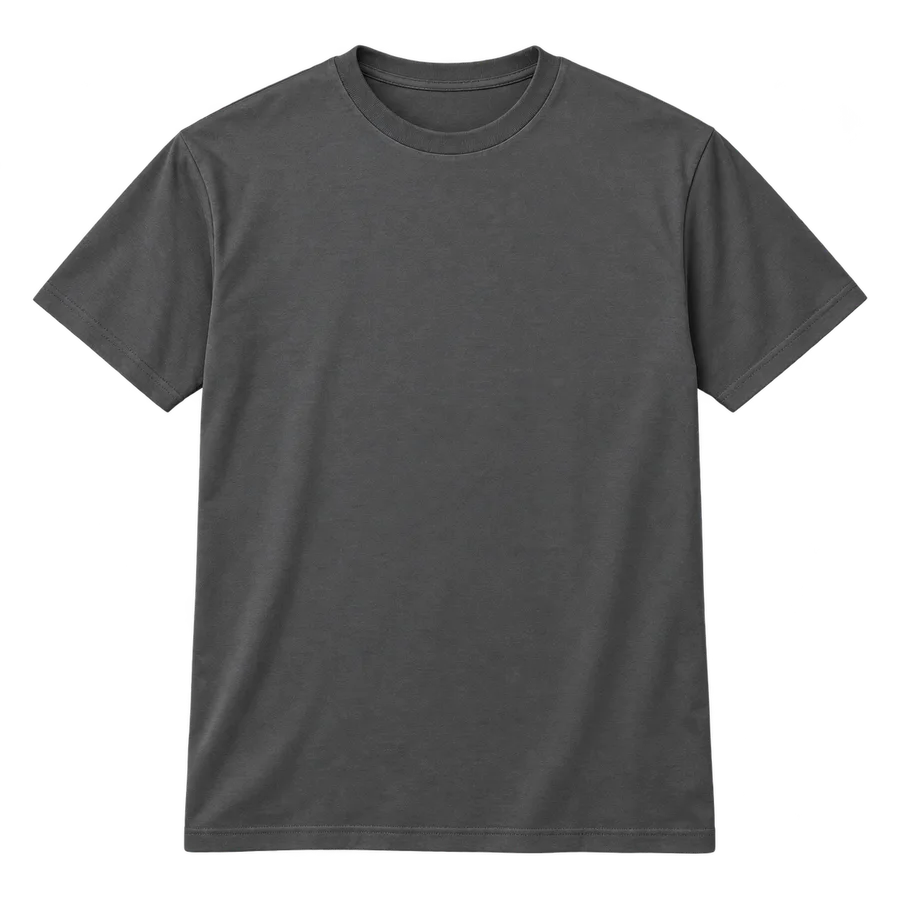 Illustrative preview
- Saved sizes
- Nothing saved
- Saved artwork
- Nothing saved
- Price & approval
- Separate review
Nothing saved yet.
Availability not checked.
Cart-only example: Small 8, Medium 12. Editable-design example: those quantities plus the Northline artwork, decoration and placement. Neither is a paid order or approved production proof.
This cart-only fixture deliberately saves sizes and quantities only. Real Shopify cart links can also carry supported properties; that does not by itself define how a visual editor reopens. Shared example links contain fictional configuration data, not private files.
What needs to survive?
| Journey | Retain | Check separately |
|---|---|---|
| Cart link | Supported items, quantities and purchase data. | Whether the editor can reopen those selections. |
| Saved design | Artwork reference, placement, decoration and compatible choices. | File access, retention and current catalog rules. |
| Quote review | The configuration and version being reviewed. | Price, stock, artwork approval and payment. |
| Repeat order | The prior job's agreed details, where available. | Current availability, charges and production requirements. |
Saving is not approval.
A shared link can help a customer discuss a design. It does not establish that someone approved the artwork, accepted the price or reserved garments. Shopify documents explicit draft-order reservation and pricing controls; those are not implied by a saved preview.
Start with the tools you have.
Shopify supports reusable cart links, and apps such as Kickflip document design sharing. Test the actual tool against your required return journey before commissioning custom work. Our app versus custom builder guide covers that broader decision.
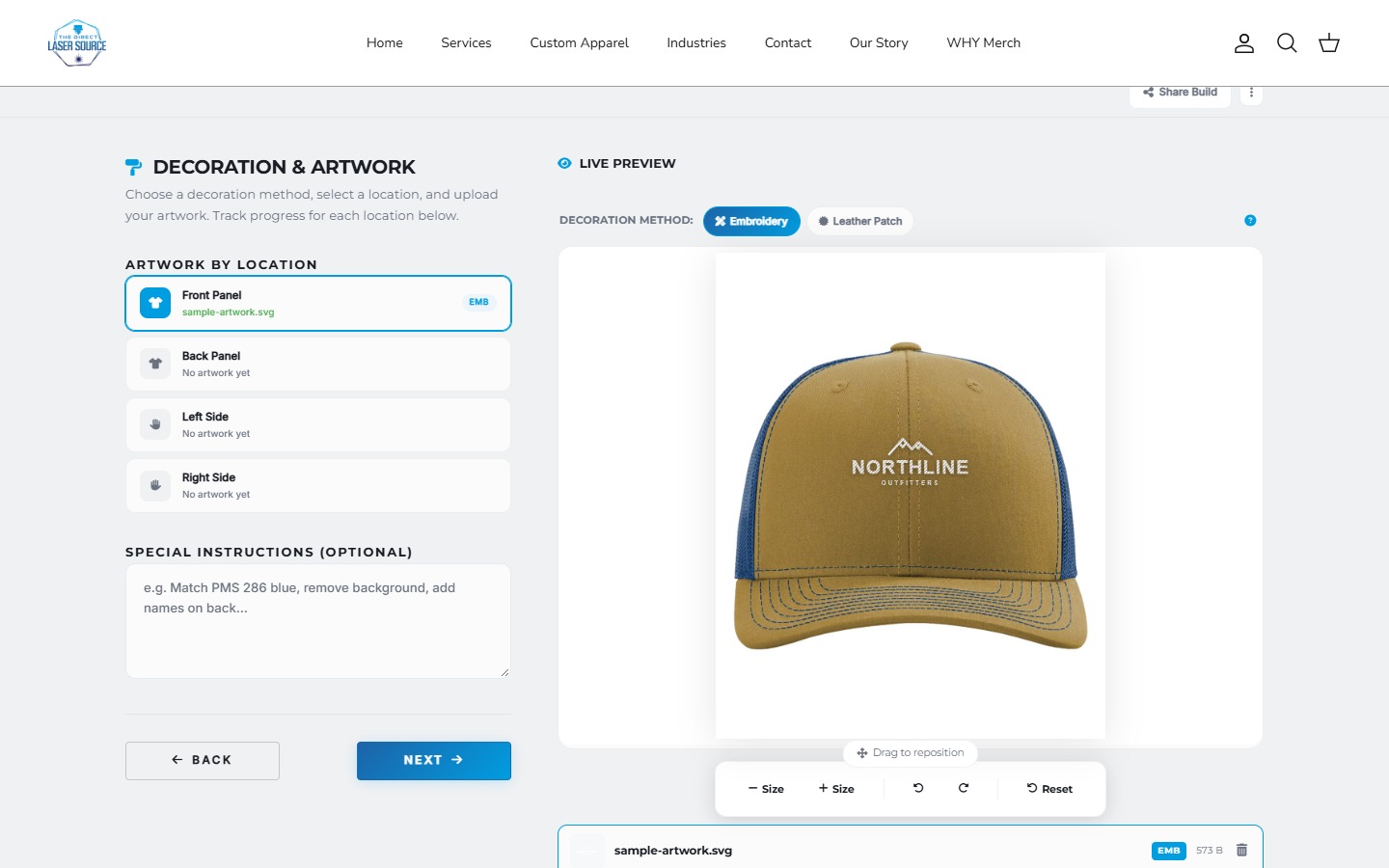
Related project / Direct Laser Source
An editor is one part of the journey.
Our apparel-builder work shows garment choices, artwork placement and decoration previews. Persistent sharing, cross-device recovery and reorders are separate requirements, not features established by this screenshot.
View the projectBefore you scope it
Save and return questions
Can customers continue on another device?
Only if the saved data is accessible there through the agreed account, link or service. Saving in one browser alone is different. Define what travels, how long it lasts and who can open it. This fictional example's share link carries its sample configuration, not an uploaded file.
Can someone approve a shared design before payment?
That can be scoped, but viewing or sharing is not approval. Identify the version, the person approving it, what approval covers and when payment happens. Commercial review and production-proof approval can be separate steps.
Will a reorder keep the old price?
Do not assume it will. Agree which details can be reused and recheck pricing, stock and production requirements. A saved design is not an indefinite price guarantee or supplier inventory reservation. See the bulk apparel ordering guide for the wider handoff.
Scope the return journey.
Share what customers need to save, who needs to review it and what should happen when they return.
Sources and scope
Documentation reviewed October 26, 2026. The interactive example is a local fixture, not Shopify checkout or a client deployment. Kickflip's cited article is dated August 2023; its current plan and compatibility were not tested.