Shopify troubleshooting
Shopify custom options missing from the cart?
Trace the selection, not just the screen. Find where personalization, paid extras or production details stop carrying through.
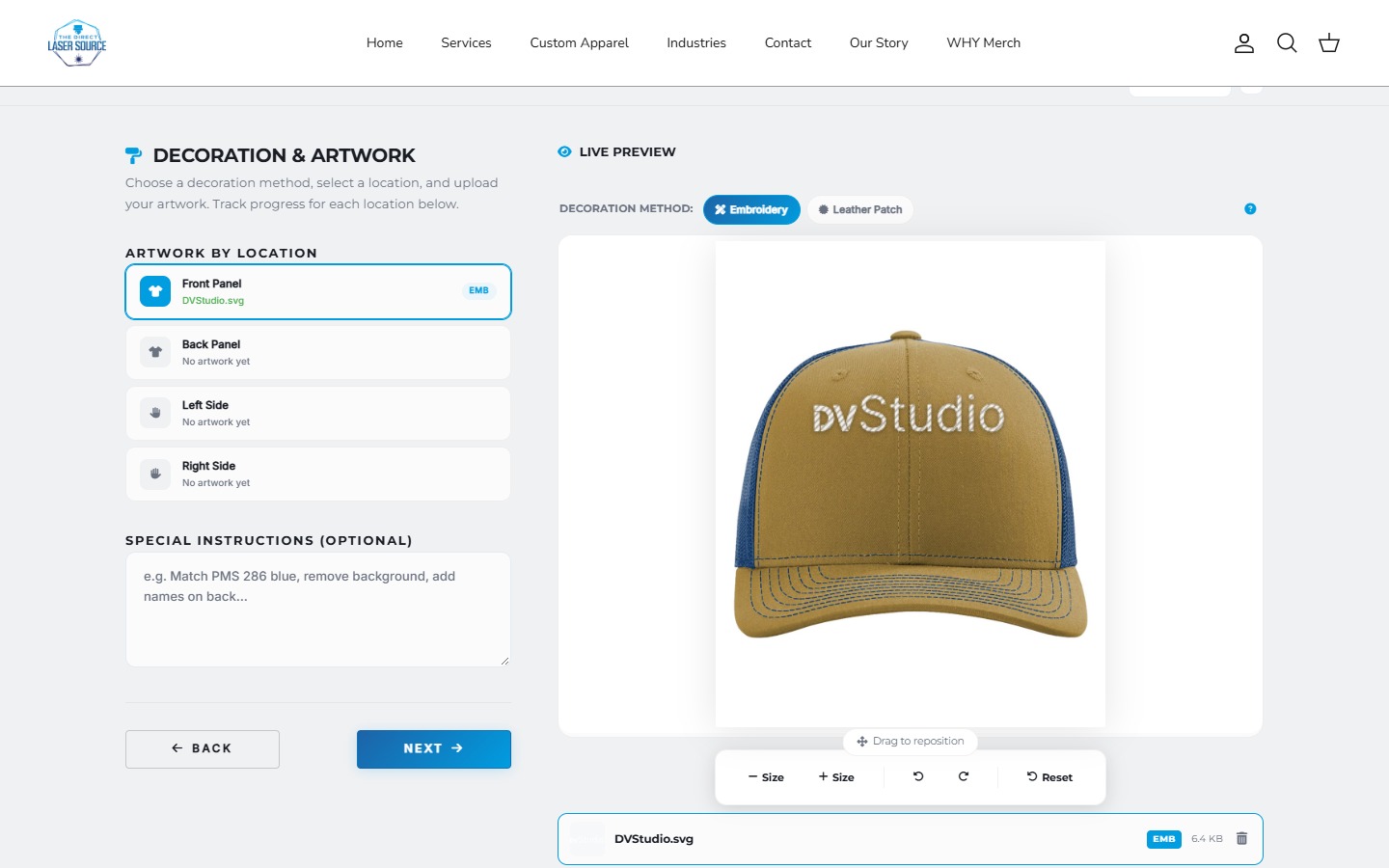
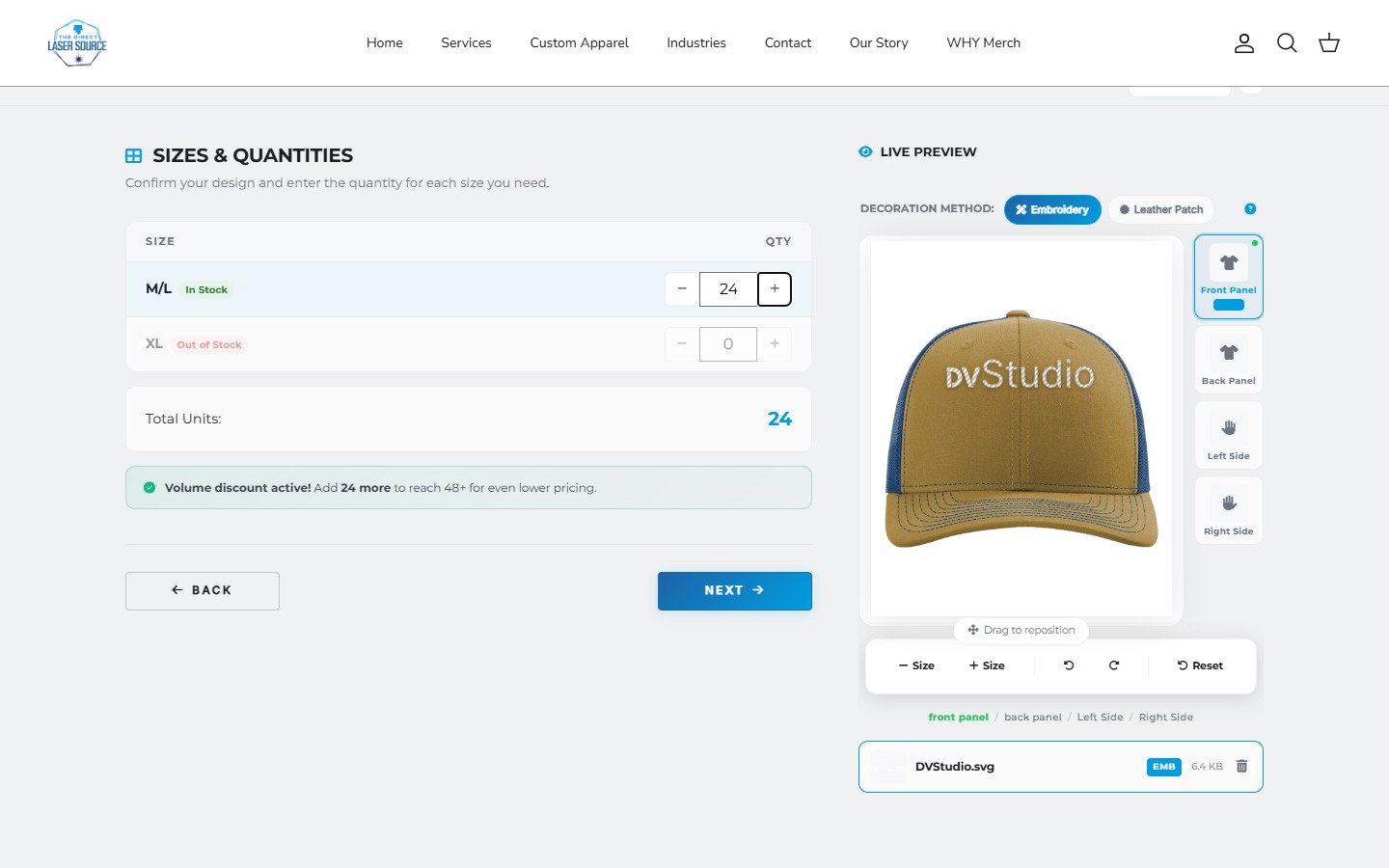
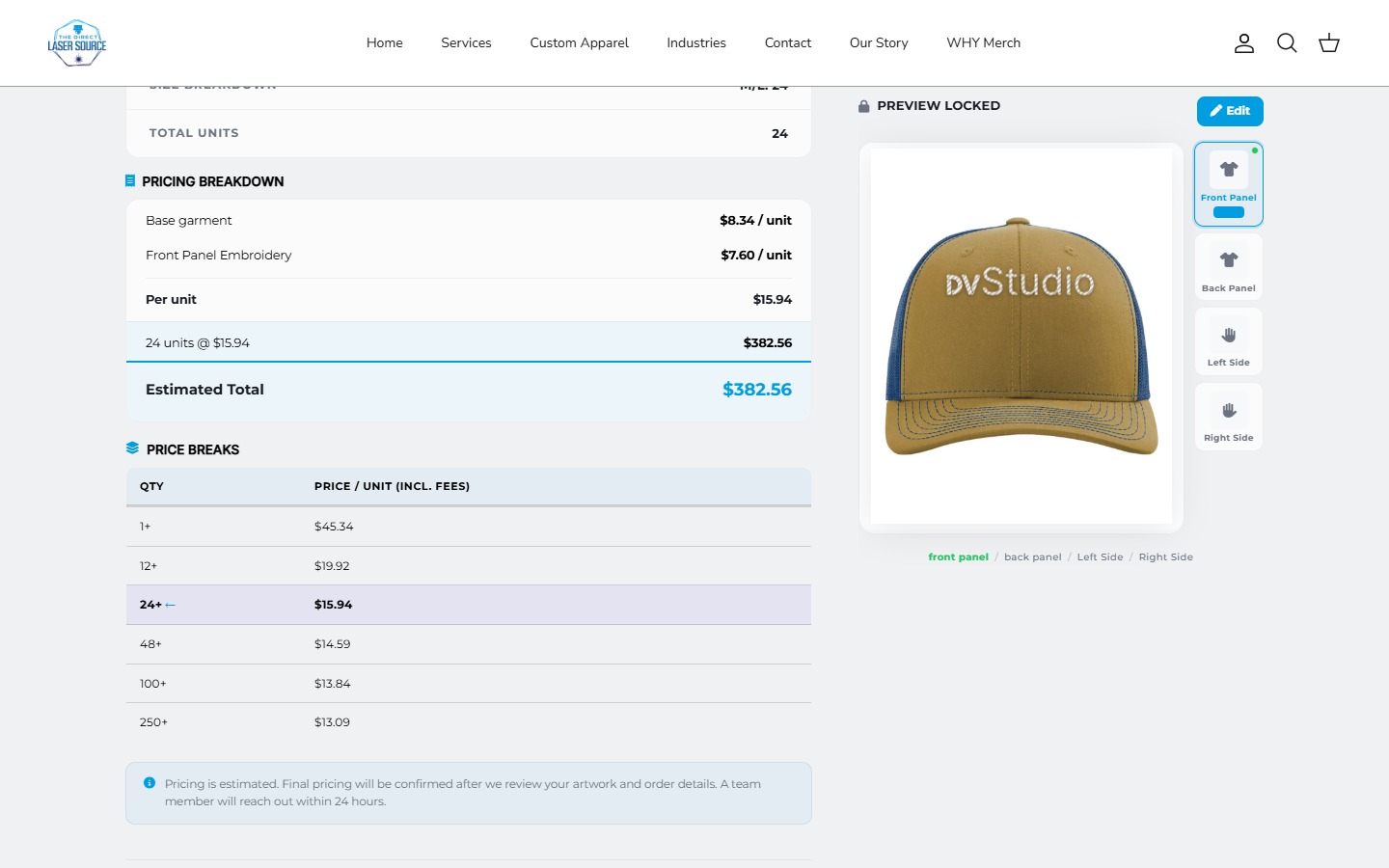
Missing on screen is not always missing from the cart.
First compare the selected option with the submitted request and the resulting cart data. If the value never arrives, investigate collection or submission. If it arrives but the drawer does not show it, investigate rendering. A missing charge or missing production record needs a separate check.
This is a diagnostic sequence, not a universal patch. Keep the existing setup until you can reproduce the failure and identify which component owns it.
Start with the symptom.
| What you notice | Compare next | Possible area to investigate |
|---|---|---|
| Engraving or artwork disappears | Selected value, add request and returned cart line. | Form submission, app integration or an update overwriting data. |
| Cart page shows it; drawer does not | Both views of the same cart. | Drawer rendering or refresh behavior. |
| An extra is selected but not charged | Expected surcharge, merchandise lines and checkout total. | The pricing or add-on mechanism, not just its label. |
| Order exists; production details do not | Order record, app record and downstream export. | Field mapping or the operational handoff. |
One selection. Three different outcomes.
Imagine a medium shirt with the text “DVS”. These invented records isolate the difference between losing a value and not displaying it. They are not live Shopify responses or a client incident.
01 / Selected
Personalized shirt
- Size
- Medium
- Text
- DVS
- Quantity
- 1
02 / Data
Cart line properties
{ "properties": {} }03 / Display
Customer's cart
Personalized shirt / Medium
No personalization shown.
The text is absent from this example's cart data. Changing only the cart's appearance would not recover it.
Check what the product form actually sends.
Shopify supports line item properties for details such as engraving or uploaded artwork. In a standard product form, inputs use names such as properties[Text]. An Ajax implementation must send the required values too; a visible field alone does not prove submission. See Shopify's product-form reference.
Ask the developer to trace one known value through the add request and resulting cart. Check the actual purchase button used, including quick-add or sticky buttons if the store provides them. Keep customer information and private artwork out of shared screenshots.
Then separate storage from display.
The Shopify Cart API provides the current cart through a locale-aware cart.js URL. Compare the intended line's properties with the drawer and cart page. Underscore-prefixed private properties can be hidden at checkout while remaining available through the API; storefront hiding is handled by the theme.
When an update supplies a new properties object, it replaces the previous object. Preserve the required values when editing one field. Target the intended line, especially when the same variant has two different personalizations.
Those checks narrow the issue. They do not justify printing every internal app property to customers or replacing an app's integration with a generic code snippet.
A label is not proof of a charge.
Write down the expected merchandise subtotal before testing. For example: an invented $25 shirt plus a $6 decoration charge should total $31 before any applicable discount, tax or shipping. A cart label saying “Decoration: $6” is not enough evidence.
Identify how this particular store implements the charge. Then compare the resulting merchandise and checkout totals. Check what happens when the customer removes the extra or increases the garment quantity. The expected behavior depends on whether the fee is per piece or per order.
Likewise, a correct charge is not proof that the artwork or personalization reaches production. Our bulk apparel ordering guide covers the broader ordering requirements.
Repeat the journey, not just Add to cart.
- One personalized item. Record the selection, expected price and expected production details before adding it.
- Two different customizations. Add the same size with two different names. Verify each remains associated with the right item.
- Quantity and removal. Change quantity, remove an extra and revisit the cart. Check both data and totals.
- Every offered purchase path. Check the drawer, full cart and supported accelerated checkout routes on desktop and a phone.
- Operational handoff. With the merchant's approval, use a controlled test order to check the record and downstream workflow. Do not create an unplanned paid order.
Accelerated checkout can bypass the cart; product-page buttons support a single variant, including multiple units of it. Do not assume a route relying on cart-stage customization behaves identically. Verify compatibility instead of declaring all accelerated checkout incompatible.
A duplicate theme is useful for theme changes, but it does not isolate store-wide app settings. Agree on the test environment and rollback before changing live behavior.
Send support a reproducible example.
A precise report is more useful than “the options are broken.” Include:
- The product URL, theme version and relevant app.
- The exact choices, quantity and purchase button used.
- Expected result versus actual result, including the expected charge.
- Where it first diverges: request, cart data, display, checkout or order export.
- A short recording with private customer details removed, plus any recent theme or app changes.
Start with the app vendor for an app-owned flow and the theme developer for a display integration. Custom work makes sense when a named requirement remains unsupported. The app versus custom-builder comparison covers that separate decision.
Before changing anything
Cart option questions
Do I need to replace my product-options app?
Not necessarily. First establish whether the problem belongs to the app, theme display, an integration or the expected pricing rule. A reproducible failure gives the existing provider a chance to fix it without rebuilding the entire flow.
Why is the option visible in the cart but missing from the production export?
Treat the export as another handoff. Compare the approved test order with the app or fulfillment record and identify which field is omitted. Do not infer that the data is absent from Shopify solely because one export leaves it out.
Can a cart-only fix solve a missing charge?
Only if the underlying charge is already correct and the issue is its display. Changing a displayed number is not a pricing implementation. Verify the actual checkout amount and behavior after quantity changes.
Show us the step that breaks.
Share the store URL, expected selection and the point where the result changes. We can scope the integration work around that evidence.
Sources and scope
Documentation checked October 22, 2026. The diagnostic records and prices are invented. Direct Laser Source images show our custom ordering work, not a claim of a bug or repair in that store. This guide does not benchmark any options app.
- Shopify: product forms and line item properties
- Shopify: cart data, updates and private properties
- Shopify: accelerated checkout behavior
Related project: Direct Laser Source custom ordering.