Shopify / After launch
Shopify conversion dropped after a redesign?
Check the measurement, the visitors and the buying journey before changing the design again.
A lower conversion rate is a symptom. It can reflect a different session count, a different mix of visitors, or an actual problem between product selection and checkout. Start with what changed, then isolate the affected step.
01 / Compare the same thing
Did purchases fall, or did the denominator change?
Shopify's September 21-23, 2026 session-measurement update can change session-based rates without changing total orders or sales. Check whether your comparison crosses that rollout. Shopify recommends a new baseline after it. Read the measurement notice.
Illustrative data / No client results
Two ways to reach 2%.
30 completed-checkout sessions / 1,000 sessions
30 completed-checkout sessions / 1,500 sessions
Sample data, not client results. Each metric has its own scale, starting at zero.
| Metric | Before | After |
|---|---|---|
| Sessions | 1,000 | 1,500 |
| Sessions with cart additions | 120 | 120 |
| Sessions reaching checkout | 60 | 60 |
| Sessions completing checkout | 30 | 30 |
The same completions. A larger session count.
The rate falls by 1 percentage point even though 30 sessions still complete checkout. Investigate measurement and traffic composition before blaming the new layout. This example does not identify what happened in your store.
Rate = sessions completing checkout / all sessions. These are invented examples. Completed-checkout sessions and order counts can differ; one session can contain more than one order. See Shopify's report definitions.
Match the comparison.
Use equivalent date lengths, weekdays, time zones, channels and bot-filter settings. Note promotions, stock changes and pricing changes alongside the theme launch.
Break out the visitors.
Check mobile versus desktop, landing page and traffic source. More low-intent visits can lower an overall rate even when the same number of customers buy.
Check the collection.
Review tracking and consent changes. Shopify and third-party analytics can disagree; missing events and missing purchases are different findings. Analytics discrepancies.
02 / Find the first failure
Trace one real buying journey.
Choose a representative product and device from the affected segment. Follow the path below and record what you expected, what happened and where it happened.
- 01
Find the product.
Open the actual landing page. Check navigation, search, collection filters, unavailable combinations and the product link. A page that loads can still lead to the wrong item.
- 02
Make the selection.
Try the affected variant, quantity, artwork or dependent option. Change an earlier choice and check that incompatible selections are reset. Compare the displayed total with the selected configuration.
- 03
Review the cart.
Check the exact item, quantity, custom details and price. Test the cart drawer and full cart if both exist. If a selection disappears, separate missing order data from a theme that simply does not display it.
- 04
Check the checkout route.
Check discounts, shipping availability and errors for the relevant market. A cart walkthrough stops short of proving payment or order creation. Coordinate a supported test order separately; payment test mode prevents live customer payments while active.
Compare the same Shopify funnel type in both periods: an open funnel and a sequential closed funnel count paths differently. For payment testing, follow Shopify's test-order instructions.
Project context / Direct Laser Source
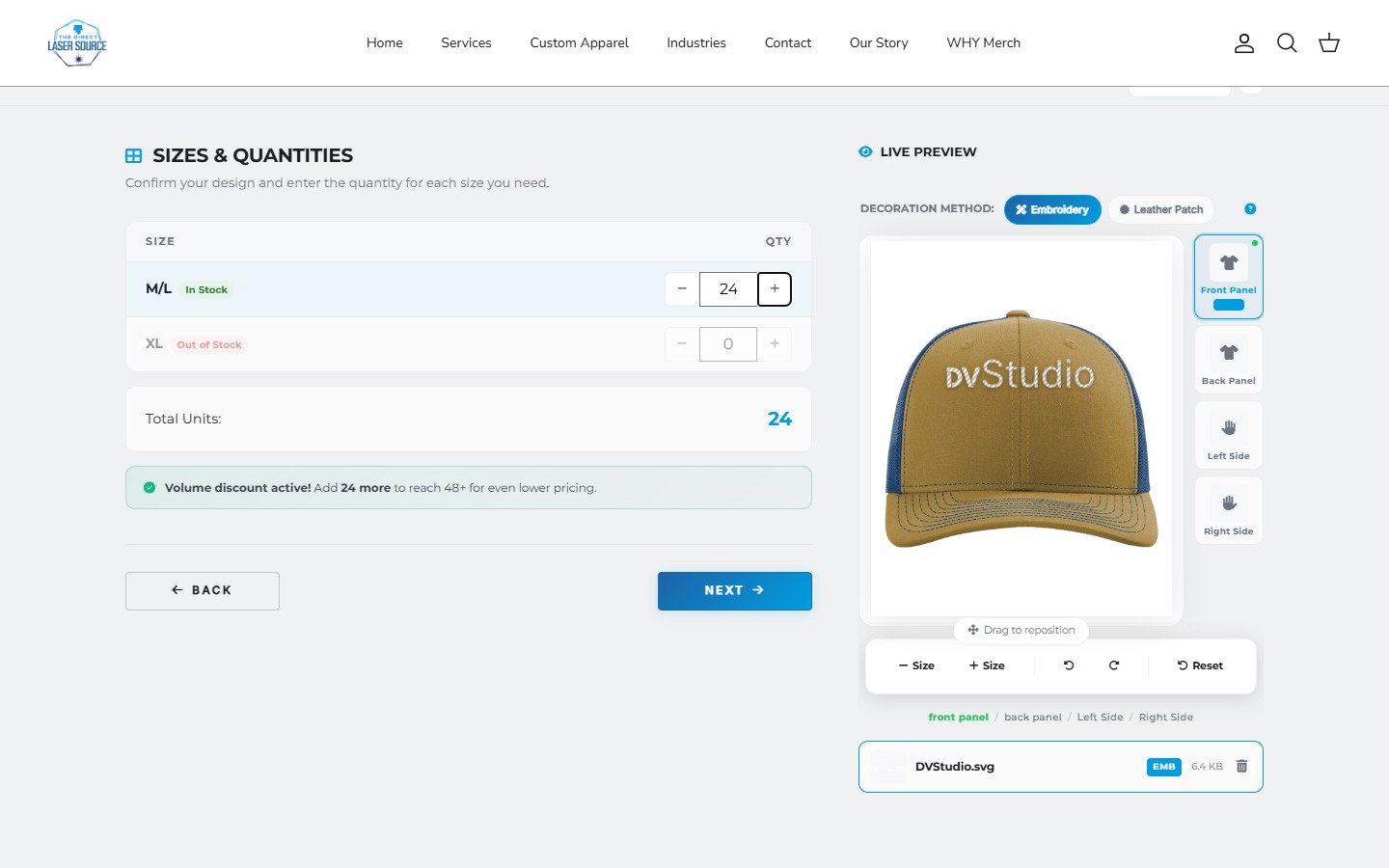
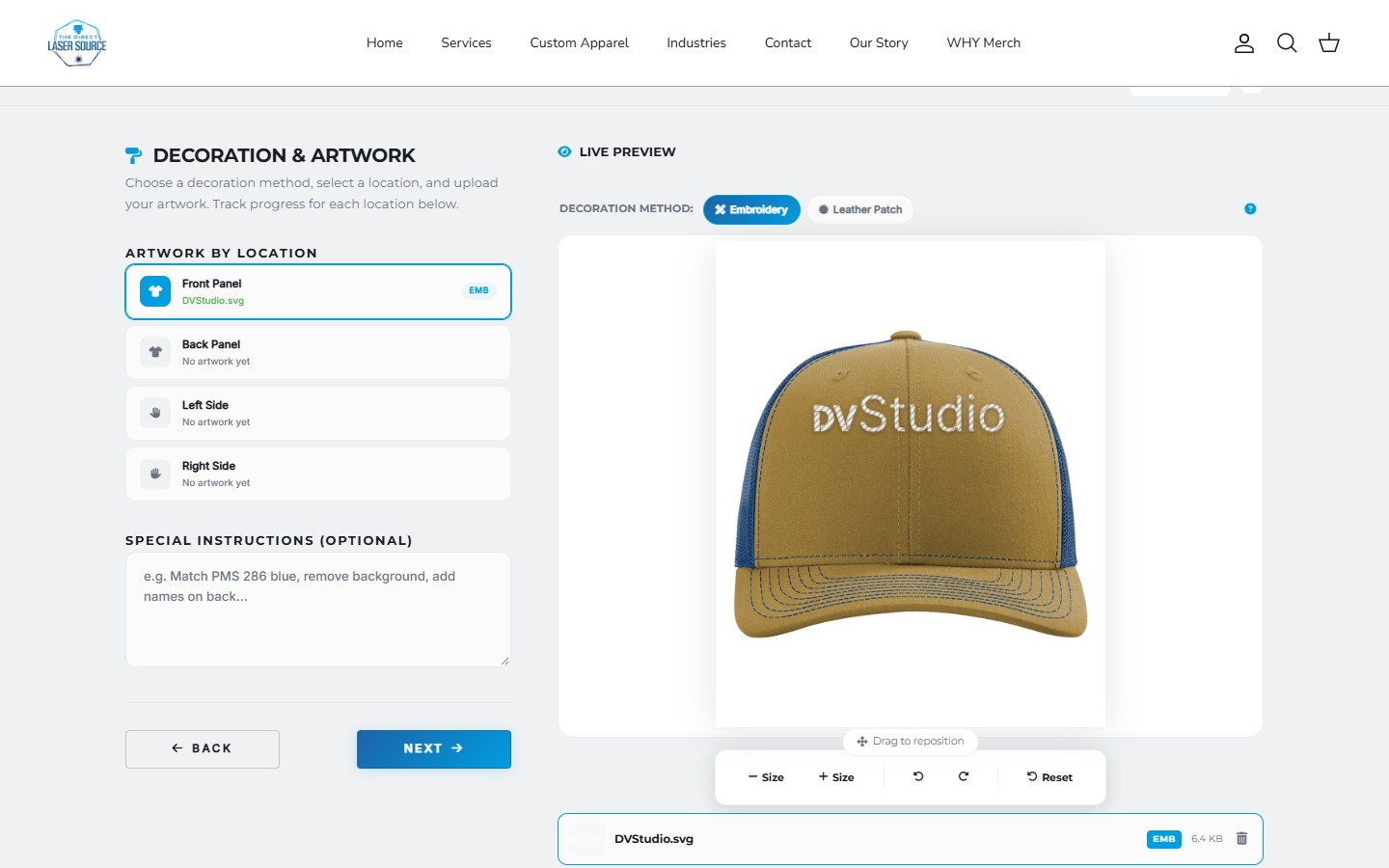
Custom choices make the handoff matter.
This existing apparel-builder recording shows artwork and decoration choices. Those details belong in a reproduction checklist when a theme or ordering interface changes.
It illustrates DVS implementation work; it does not show a conversion recovery or prove a completed checkout. Explore the project.
03 / Fix the demonstrated problem
A smaller, clearer next change.
Keep a launch timeline, a screenshot or recording of the failure, the affected URL and the device. Pair that with comparable reports. Reproduce the issue on a copy before extending the change.
Check definitions, filters and event collection. Respect consent settings; do not force tracking to bypass them.
Inspect sources and landing pages before redesigning a functioning product flow.
Repair the reproducible selection, cart or checkout issue, then retest that path and connected behavior.
For preparation before the next launch, use the redesign SEO checklist. For the size of a structural change, compare a refresh with a rebuild.
Before changing more
Questions after a redesign
Should I roll back the redesign immediately?
If you can reproduce a serious failure, preserve evidence and consider reverting the specific change with your developer. Check the known-good version, dependencies and live data first. A lower reported rate alone does not establish that a full rollback will help.
Why do Shopify and GA4 show different conversion rates?
They can use different session definitions, time zones, filters and collection methods. Consent settings and blocked scripts can also affect what is recorded. Compare like-for-like metrics within a consistent report, then investigate missing or duplicated events rather than forcing the totals to match.
How long should I wait before judging the redesign?
There is no useful universal number of days. Look at the number of sessions and completed checkouts, normal buying cycles, comparable weekdays and the size of the change. A reproducible broken path needs attention now; a small sample does not justify a confident conversion claim.
Can DVS review a store built by another developer?
We can review the website, affected journey and available access, then quote the agreed work. Share the store URL, when the problem started and the step that fails. Any implementation or wider analytics work needs its own scope.
Bring the step that stopped working.
Share your store URL, the change date and the affected customer journey. We can review it and scope the work.
Sources and scope
Official documentation reviewed October 22, 2026. The diagnostic sequence is DVS guidance. Sample numbers are invented, and project media illustrates existing work. No merchant analytics, live checkout or commercial recovery was tested for this article.